
DeskSight is a productivity platform that offers Managers, HRs, CXOs birds-eye visibility about team activities, team productivity, time spent on business applications, application control, powered with machine learning to analyze risky users/activities with deep analytics.
With today’s business operations seeking to be as efficient as possible, DeskSight helps with work patterns comparison of the top performers in the team to streamline workflows and boost productivity.
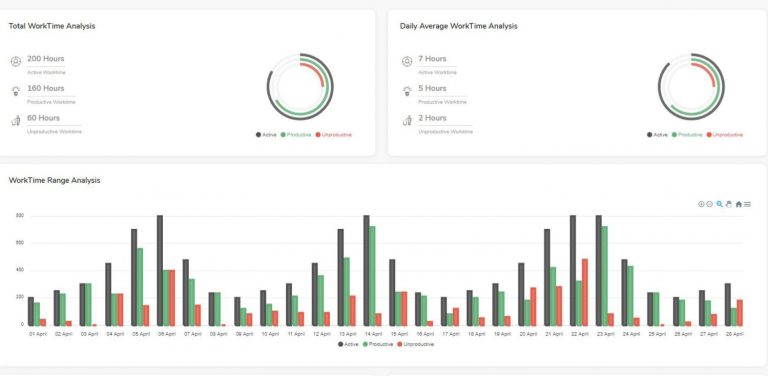
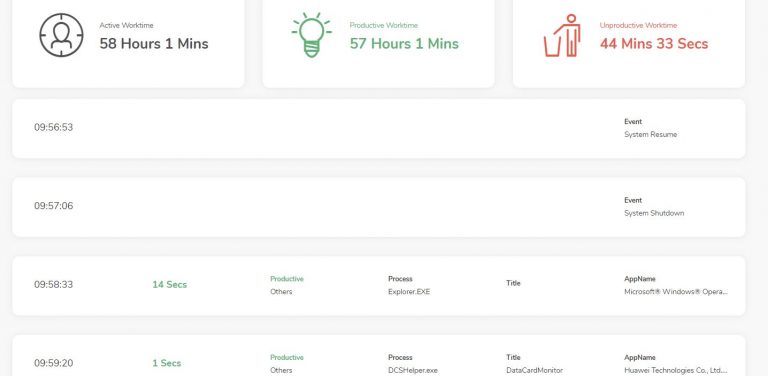
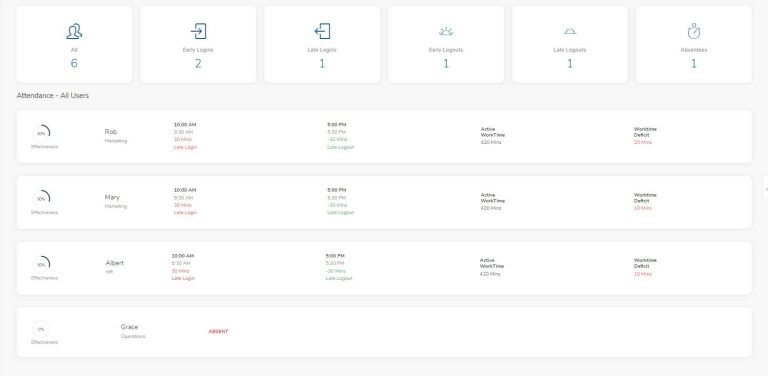
Be able to track the active and idle time of users all across the organization.
Track Daily Login and Logout time of every user
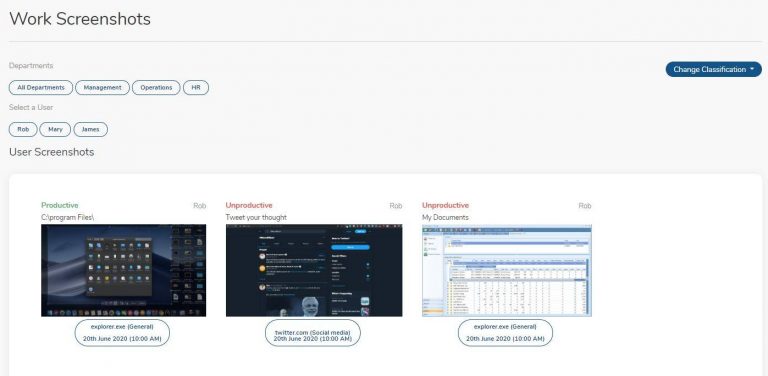
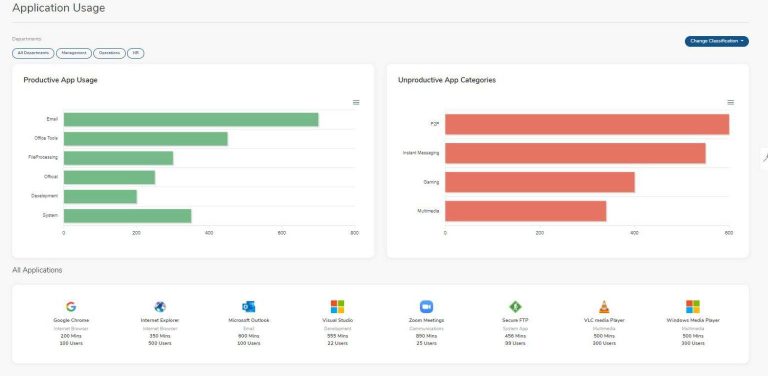
Differentiate between productive and unproductive activities
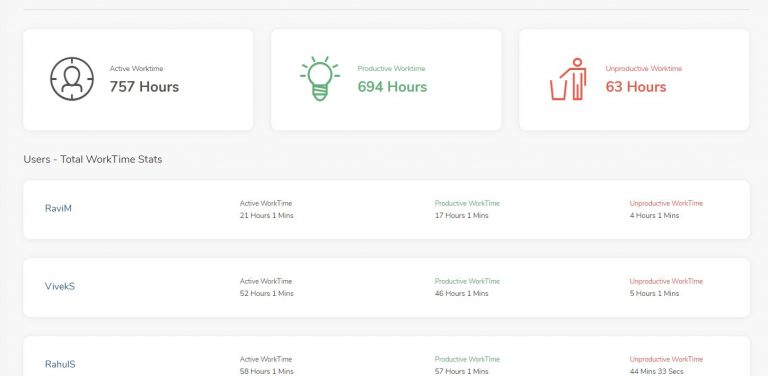
Inspect and segregate high performing workers
Track the content of a webpage or application by being able to track the window title of the application
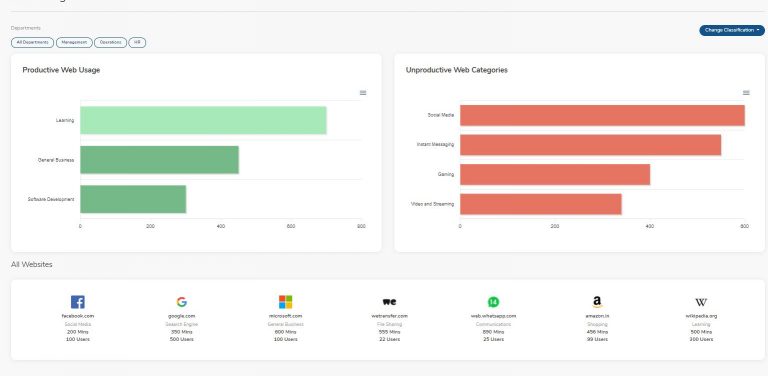
Track Applications and Websites where users are spending their time and the amount of time being spent.
Define multiple works schedules for different users to track different work timings
Track the active time, productive time, and unproductive time of every user
Desksight is able to provide automatic and custom categorization of applications and websites.
Desksight Agent is able to record activities even if the internet connection of the end-user is down. The logs synchronize back to the server once the connection is back.
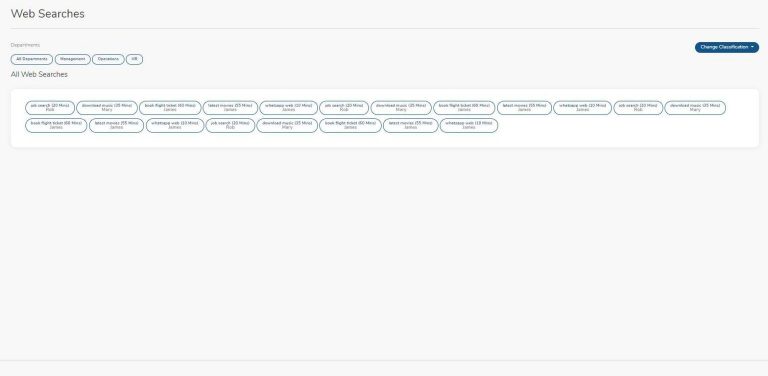
Desksight helps you track web searches across multiple search engines like Google, Bing, and Yahoo search engines.
Desksight Agent helps you take end-user screenshots of every min of the user for which it has been turned on.
Desksight helps you configure separate work definitions for separate groups of users whose functions are similar, for example, the same productivity rules for the entire HR team.
Every onboarded user is assigned a default global rule unless an overriding rule is specifically mentioned for a group.
As a measure to adhering to Privacy regulations, every user is provided with the option to get into private mode to be able to reserve screentime for themselves. This is recorded as private time.
Clouds Dubai is a leading cybersecurity distributor, delivering cutting-edge products and expert services including Penetration Testing, SOC-as-a-Service, ISO 27001 Managed Services, and vCISO solutions.
Copyright © 2026 Clouds Dubai, Powered by Oktohut